
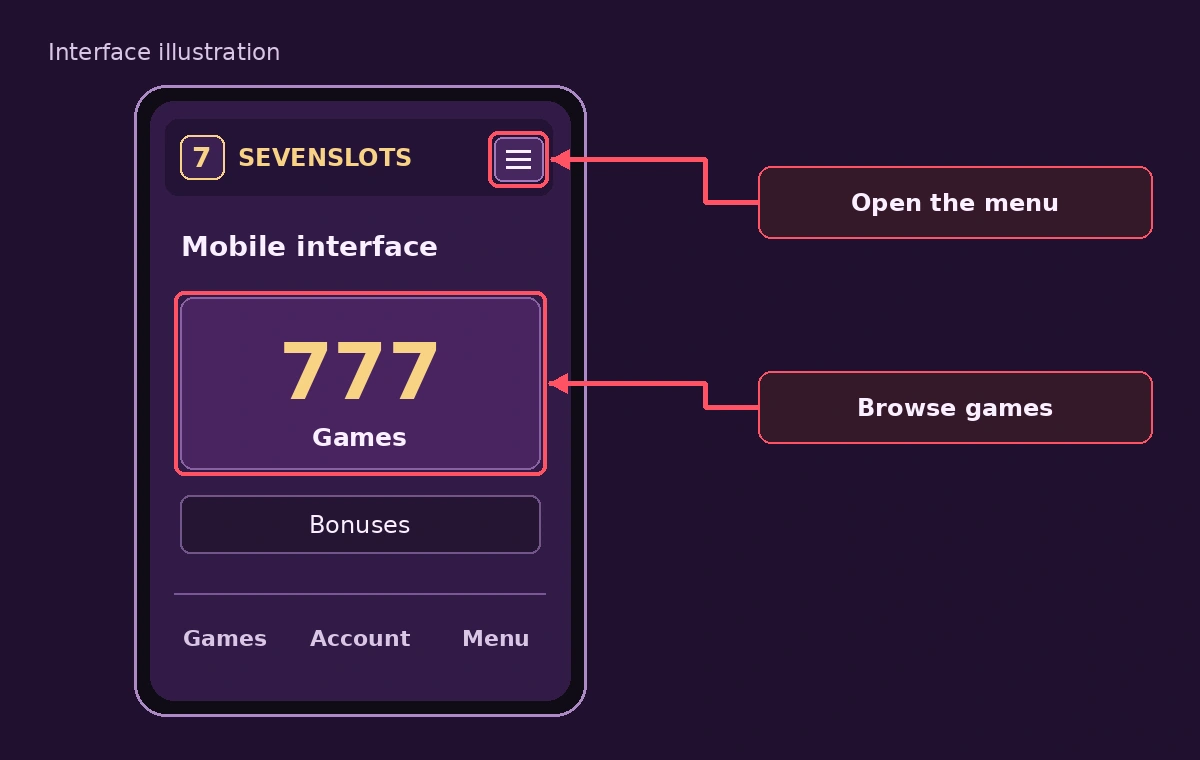
SevenSlots mobile casino overview
SevenSlots EN readers on a phone have three realistic ways to reach a casino: the mobile browser, a home screen shortcut and a native application. This website confirms only the first. A SevenSlots mobile casino session in Chrome or Safari normally uses the same account, the same balance and the same terms as a desktop session.
Screen size changes what is easy to read. Terms, bonus conditions and cashier details appear in smaller type, so slow down at confirmation screens and use the zoom setting instead of guessing. The SevenSlots home page links to the topics that matter before a phone session, and live tables and wide slot grids are easier in landscape mode.
Browser or native app
The four access options differ in installation, updates and who checks the software.
| Option | Installation | Updates | Source check |
|---|---|---|---|
| Browser tab | None | Immediate, from the server | The domain in the address bar |
| Home screen shortcut | Saved from the browser menu | Immediate, from the server | The same domain |
| Store application | From an official store | Through the store | Store review and publisher name |
| APK file | Manual install outside a store | Manual | None, unless you verify the file yourself |
The first two options run the website itself, so they inherit its security and its updates. A shortcut opens in full screen only when the site provides a web app manifest, otherwise it behaves like a bookmark. A store application is reviewed before publication, whereas an APK installed from a link carries no review at all. SevenSlots app questions therefore start with one check: is there a publisher page in an official store.
SevenSlots APK for Android
No SevenSlots APK is confirmed on this website, and a file offered through a message, a forum or an unfamiliar site should not be installed. Android requires you to allow installs from unknown sources, which switches off a protective layer for that app. A malicious package can read messages, draw a fake login screen over the real one and capture one time codes.
If a publisher still offers a file, compare these points before installing:
- The download link is on the operator's own verified domain and was reached from this website.
- The publisher lists a SHA-256 checksum that matches the file you downloaded.
- Google Play Protect scans the file and reports no warning.
- The permissions requested match a casino, not messages, contacts or accessibility control.
If any item fails, delete the file. The safe alternative on Android is the browser: in Chrome open the menu and choose Add to Home screen or Install app, then open the shortcut like any other icon.
iPhone home screen steps
iOS does not install casino applications from outside the App Store, so the iPhone route is the browser. A shortcut places an icon on the home screen that opens SevenSlots in its own window when the site supports it.
- Open the SevenSlots address in Safari, not in an in app browser.
- Tap the Share icon at the bottom of the screen.
- Scroll the list and choose Add to Home Screen.
- Edit the name if you wish and tap Add.
- Open the new icon and sign in as usual.
If the option is missing, the page is probably open in a different browser, so reopen it in Safari. Delete the shortcut like any app icon when you no longer need it.
Mobile experience in practice
Features that matter on a phone are mostly about speed and control: load time on mobile data, tap targets large enough to avoid mistaken bets, and a visible balance and stake before every spin. Test the same game in portrait and landscape mode and note whether the bet controls cover the reels. Whatever the SevenSlots app route is, these checks apply.
Notifications from a shortcut, if allowed, can push bonus messages, so switch them off if they tempt you to play more. Use the session and deposit limits of the casino where they exist, and set the screen time limit of the phone as a second layer.
Mobile payments and SSL
SSL, shown as the padlock, encrypts traffic between your phone and the server. It does not tell you who owns the server, so on a phone always compare the full domain, which browsers often shorten. Payments should open on the cashier of SevenSlots or on a recognised payment provider page, never in a chat message.
Mobile wallets built into the phone tokenise your card, so the casino never sees the card number. Whether any of them works here is not confirmed. Avoid public Wi-Fi for payments and enable the biometric lock, which also protects saved browser sessions.
SevenSlots mobile speed and data use
A SevenSlots session on a phone depends on connection quality more than on the device. Slots load graphics once and then exchange small messages, so data use is modest, while live dealer streams run continuously and use far more. On a limited plan, check usage in the first minutes of a SevenSlots live table before staying for an hour.
If the SevenSlots page loads slowly, close background tabs, switch between Wi-Fi and mobile data and avoid a VPN, which adds delay and may breach the terms. A dropped connection during a round is normally settled on the server, and the result appears in the game history when you return, so check the history before assuming a loss.
Privacy on a phone
A phone holds more personal data than a computer, so SevenSlots privacy deserves a few settings. Block notifications from the site if they tempt you to play, deny location access unless a service needs it and review which browser stores the saved password. A SevenSlots shortcut does not need access to contacts, photos or messages.
- Lock the phone with a PIN or biometrics and set a short auto lock.
- Keep the operating system and the browser updated.
- Do not install apps that promise SevenSlots bonuses or hacks.
- Log out of the SevenSlots account before handing the phone to someone else.
These steps cost minutes and remove the most common mobile risks around a casino account.
SevenSlots mobile troubleshooting
Most mobile problems have simple fixes. If a SevenSlots game does not start, update the browser, enable JavaScript and allow cookies for the site. If the screen is cut off, rotate the phone or reset the zoom. If the shortcut opens a blank page, delete it and add it again from the browser menu.
For payments that fail on a phone, check the card limit in the bank app and confirm that the device clock is correct. When nothing works, collect a screenshot, the time and the browser version, and send them to SevenSlots support instead of reinstalling things at random.
Mobile safety checklist
A short checklist keeps mobile play safe. Before the first SevenSlots session on a phone, confirm the domain, update the browser and check that the screen lock is on. During the session, keep stakes visible, avoid public Wi-Fi at the cashier and take a break each hour. After the session, log out of SevenSlots and clear saved cards on shared devices.
Parents and housemates deserve a thought as well: keep the SevenSlots shortcut away from children, and use the phone's parental controls where minors share the device. Gambling is for adults aged 18 and over only, and a mobile screen makes access to it easier than a desktop ever did.
SevenSlots on tablet and desktop
A tablet gives SevenSlots roughly the same layout as a computer, with larger buttons than a phone. Desktop remains the best place to read long terms, compare bonus tables and upload verification documents, because scans and screenshots are easier to handle. Many players therefore register and verify on a computer and play on a phone.
Whatever the device, one SevenSlots account holds one balance. Sessions on two devices at once can cause confusion with open rounds, so close one before starting the other. The cashier, the limits and the game history are shared across devices through the account.
Frequently asked questions
Is there a SevenSlots app for iPhone?
No store application is confirmed. iPhone users open the casino in Safari and use Add to Home Screen, which creates a shortcut, not an app. Apps sent through a link outside the App Store should be treated as unsafe.
Is the SevenSlots APK safe to install?
No APK is confirmed, so installing one is a risk. A file name and an icon do not prove the publisher. Use the mobile browser or a home screen shortcut instead.
Can I withdraw money on mobile?
A browser session normally offers the same cashier as a computer, but this website has not confirmed it. Withdrawal stages and identity checks do not change with the device: request, checks, approval, dispatch and credit.
Do bonuses work on mobile?
Bonus terms attach to the account, not the device, so a bonus claimed on a phone has the same wagering rules as one claimed on a computer. Confirm in the offer terms whether any offer is limited to one platform.
What if the SevenSlots mobile site is not loading?
Try mobile data instead of Wi-Fi, reload in a private tab, clear the site data and update the browser. If the page still fails, the problem may be on the operator side, and installing a file is not a workaround.